 English
 简体中文
简体中文
 繁體中文
繁體中文
 Français
 Español
 عربي ،
 русский язык
 Português
 Deutsch

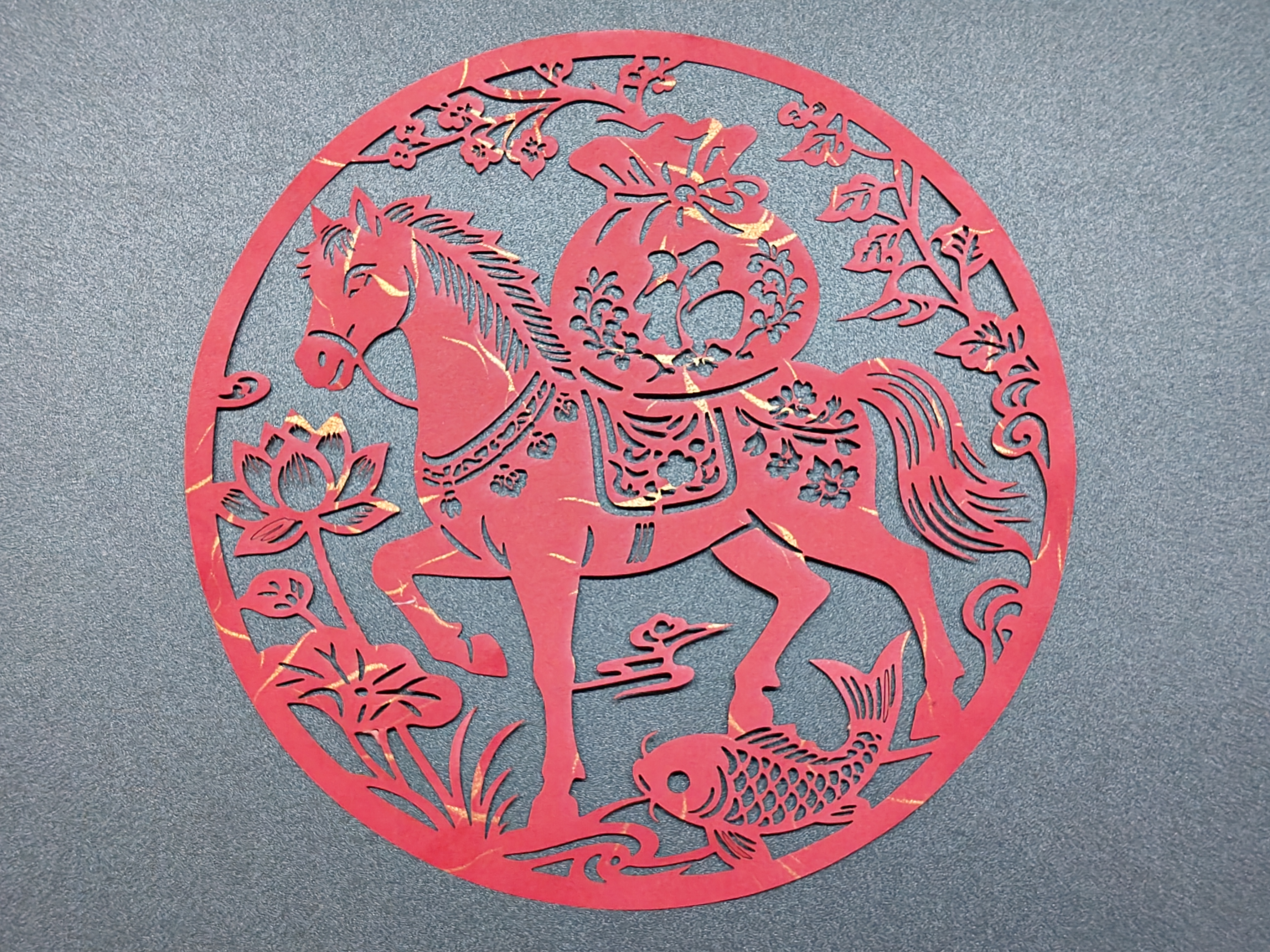
This laser cutting Paper Cuttings is 2026 The theme works of the Year of the Horse take the auspicious implication of traditional Paper Cuttings as the core, and are presented with modern technology.
A robust steed is 2026 The zodiac sign representing the Year of the Horse symbolizes 'Success on horseback' aligns with the New Year's expectations for a smooth career.
On horseback 'Lucky Bag' Implied as bringing wealth and blessings, the koi fish below + Corresponding to lotus flowers 'Year after year surplus' and' harmony brings wealth ', the surrounding entwined patterns create a festive atmosphere for the Chinese New Year.
The fine texture of laser cutting makes traditional auspicious symbols more modern and adaptable 2026 The decoration and blessing scenes of the Spring Festival in the Year of the Horse are a combination of traditional Chinese customs and contemporary craftsmanship as a New Year's gift.
drawing
Paper Cuttings in the Year of the Horse design project
Drawing Information
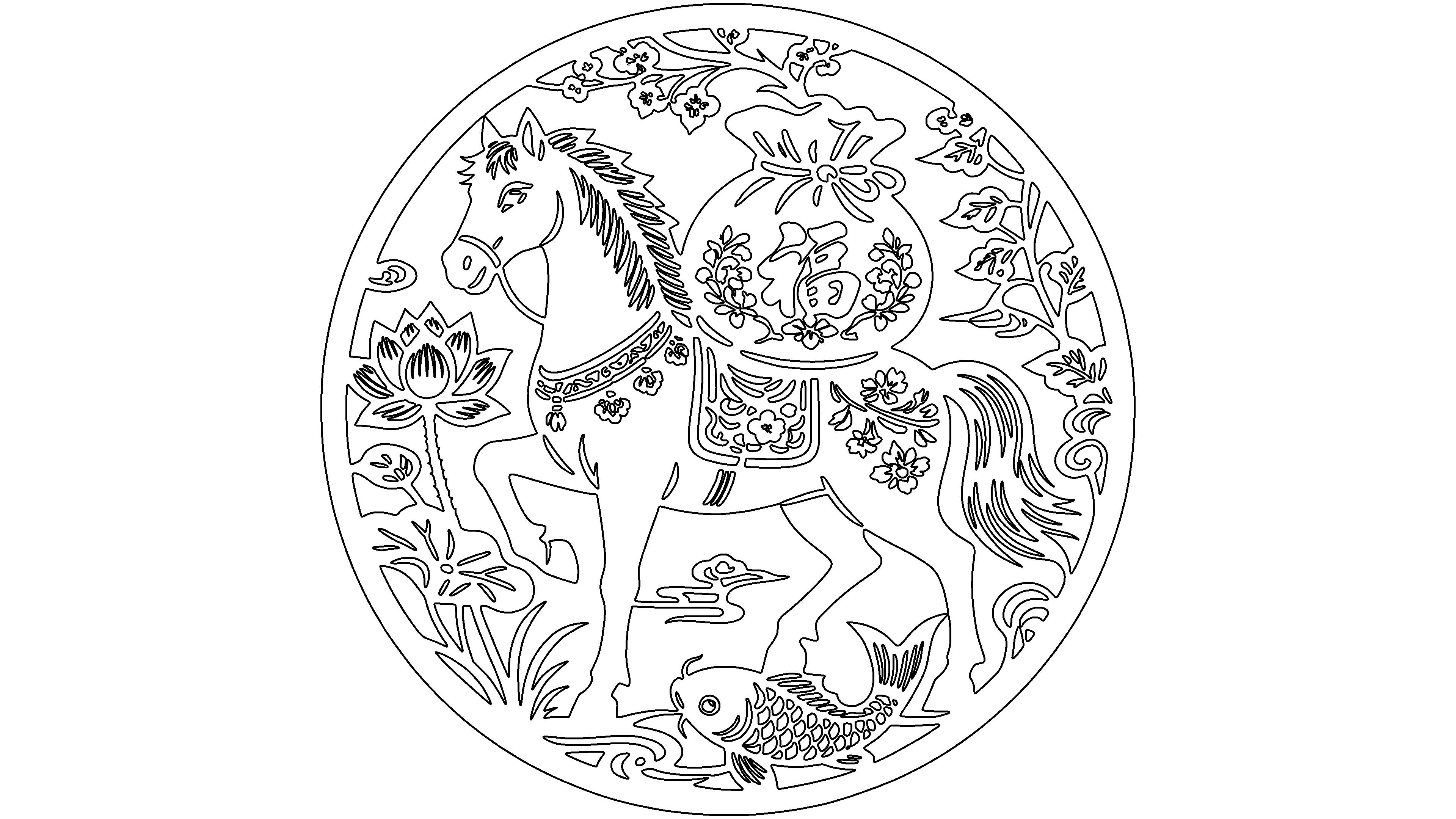
Drawing Description
drawing documents
Paper Cuttings in the Year of the Horse
Basic Parameters
process parameters
| Processing Technology | processed material | pattern | power(%) | speed(mm/s) | processing times |
|---|---|---|---|---|---|
| cutting | cardstock | Horizontal unidirectional | 15 | 44 | 1 |
design process
1UtilizeAITool to generate the picture of Paper Cuttings in the Year of the Horse

2UtilizeAIThe prompt words generated by the tool can be simply modified to generate Paper Cuttings pictures. It is necessary to generate vector pictures and select appropriate pictures to download.

3Open itLaserMakerSoftware, click on file, import image, modify image size

4Click on the contour extraction function in the upper right corner of the image to extract the contour of the image
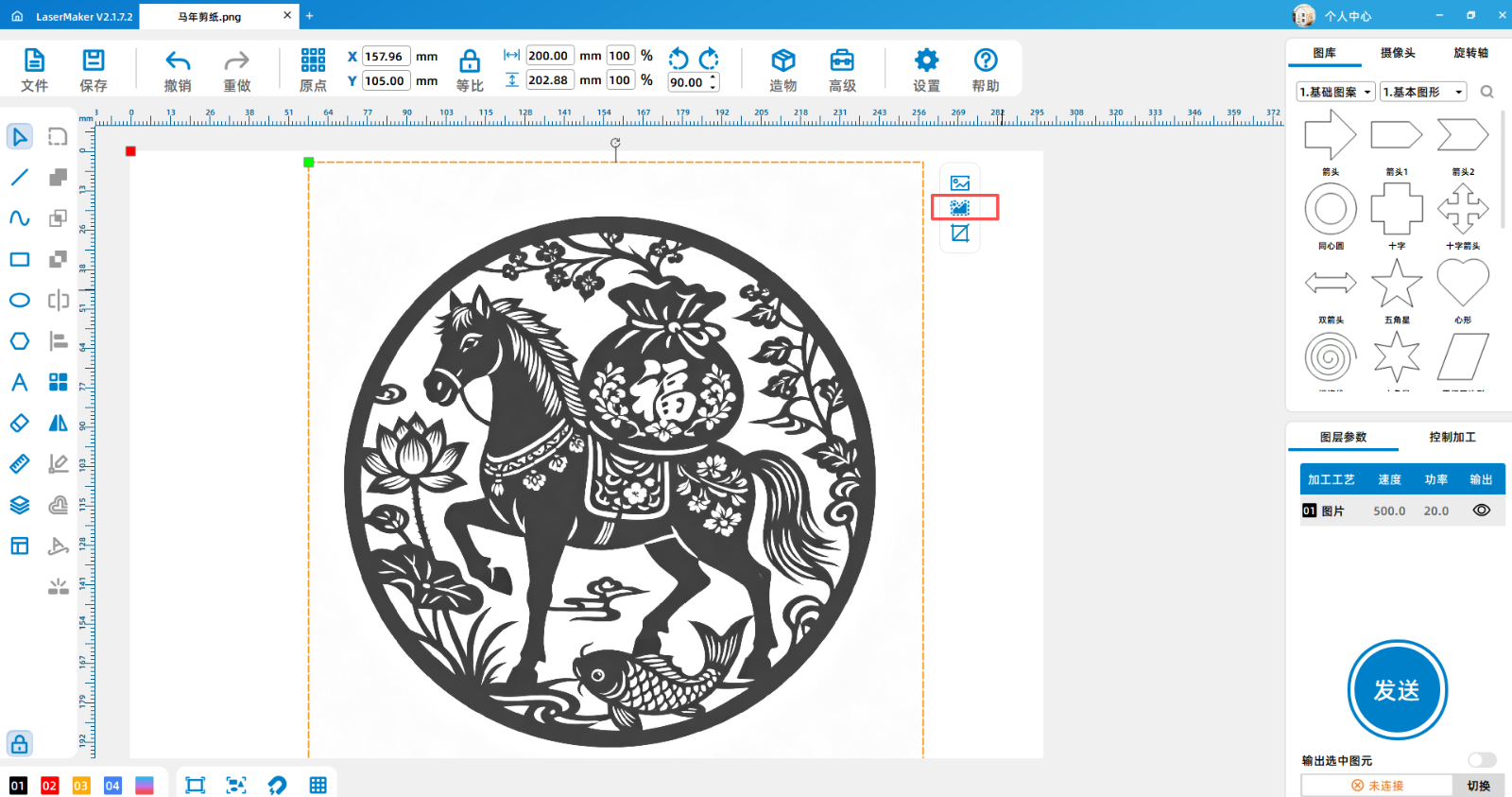

5After extracting the contour, delete the original image, check the extracted contour, and optimize the graphic

6Set processing parameters, cardboard, strong blowing, speed15, Power45, corner power10

processing
1After the device is successfully connected, send the drawing to the device

2Add processing materials

3Focus on materials

4Positioning of processed materials

5After ensuring that the settings are correct, you can start processing

Processing completed
1After processing, remove the finished product
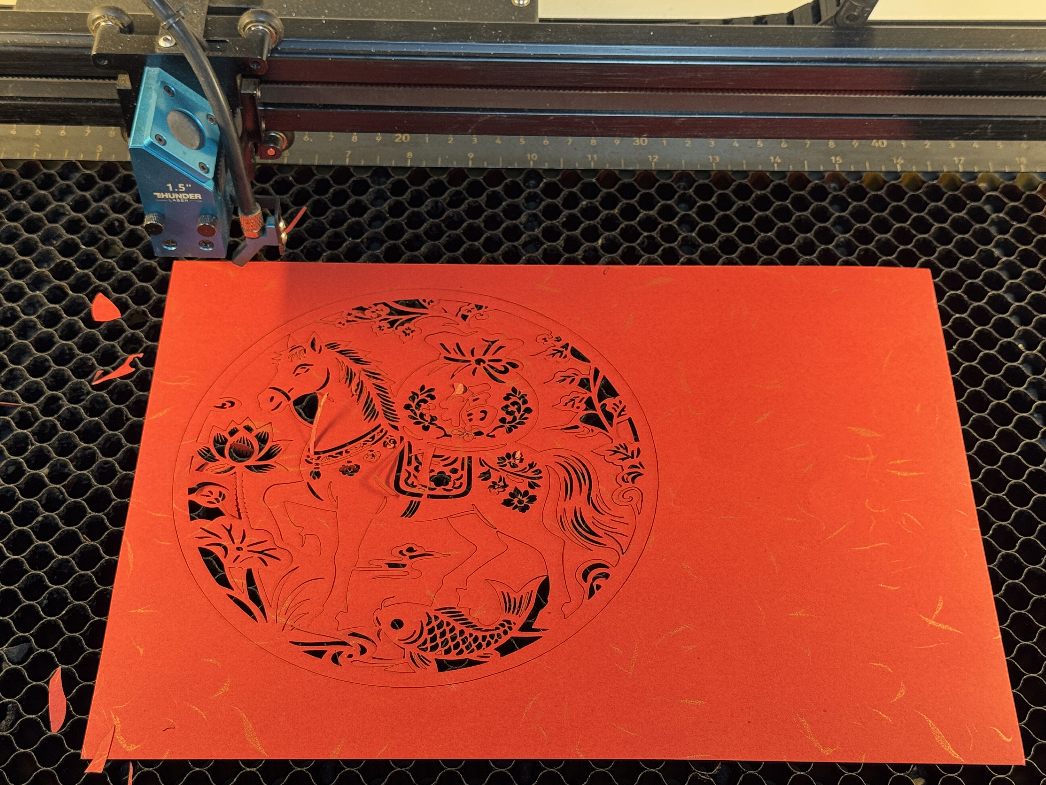

1Some areas that have not fallen off, gently tear them off manually, and the work is completed

Related Recommendations


comment (4)
-
classification
Spring Festival -
copyright
open source licenseCC-BY-NCProhibit commercial use; -
Business License
Further information

A wisp of fresh breeze_90
2026-1-14 09:23
Great, thank you very much. I have learned and thank you for sharing
jzworkman
2026-2-3 11:22
Thank you very much, thank you for sharing
Laser enthusiasts2024090414
2026-3-16 13:53
1234567890
Laser enthusiasts2024090414
2026-3-16 13:53
The drawings are very good, very good, very appropriate